Acti A416 Bad Stream Number

We recently got an Acti A416 camera to try out in our systems. I'm at a loss as to get it working with SS 5.5.1. Either it won't connect or I get Bad Stream Number. If SS is set to ONVIF, I get bad stream number. If I set SS to Acti, It times out on Connect.
Any advice? We were evaluating a "higher priced" camera to see if it was really any better than Amcrest or Dahua that we Usually use and are generall quite happy with. At first I thought it was maybe an issue with Older Version of SS 4.X so I moved it to another site where we are running the latest but no joy. I've tried both H.265 and H.264 on it with the same results.
Comments
-
I presume the "Input or stream number" setting in SecuritySpy is set to 0? Usually, stream 0 will be the regular, highest-resolution stream, with subsequent stream numbers offering various substreams.
When the ONVIF profile is set, click the "Auto-Detect Streams" button in SecuritySpy - what is the result? Could you post a screenshot please?
Another thing to check is if there is anywhere via the camera's settings pages where you can configure ONVIF streams. It's possible that this needs to be specifically enabled, or streams need to be manually added and configured, before they are available to SecuritySpy.
-
Didnt know you could set a stream number to Zero, it only shows me a drop down menu, 1- 128. I've attached a few screen shots below covering your questions. Appreciate your help, First camera we've run across in over 10yrs with SS that we couldn't get to work on any of our various SS installs.
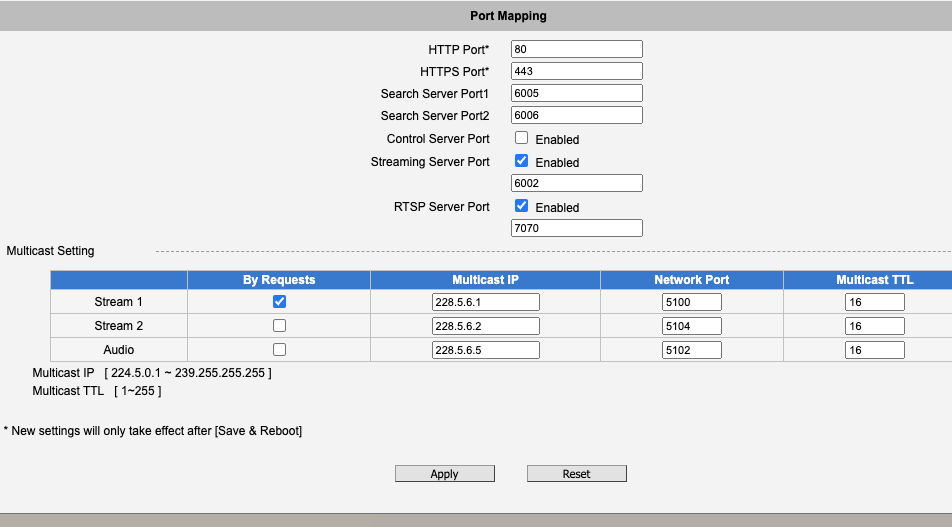
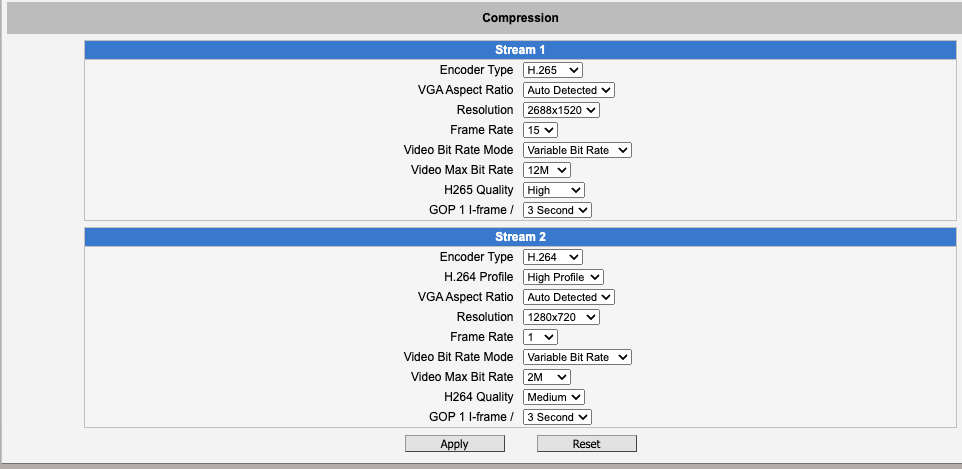
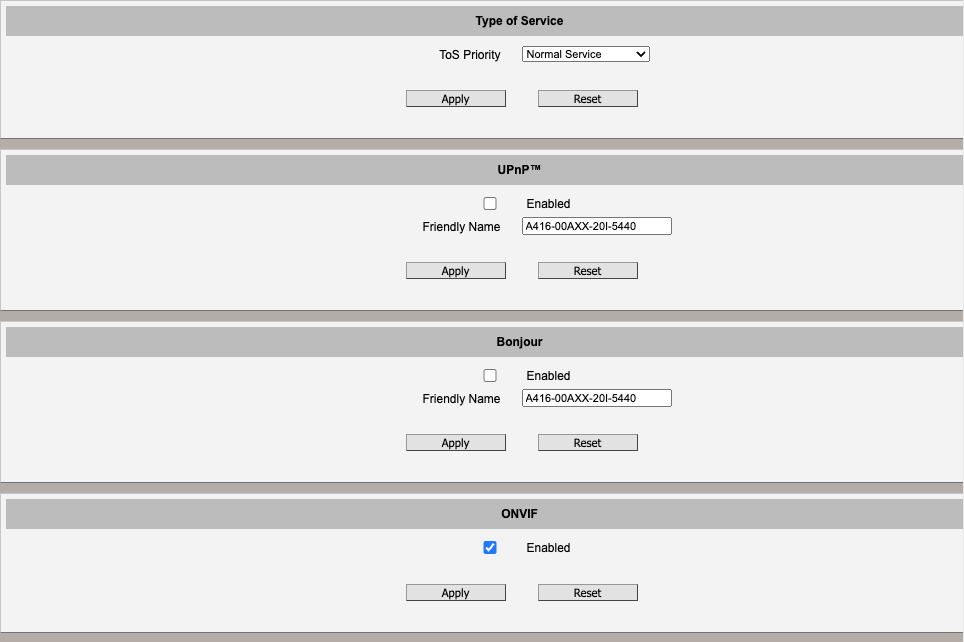
OnVIF can be enabled or disabled, No other choices. Its enabled.
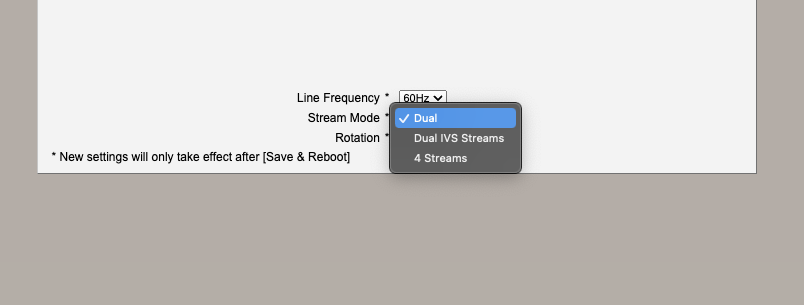
I've tried all three different stream settings and also H.264 even though we generally use H.265 when the camera supports it.
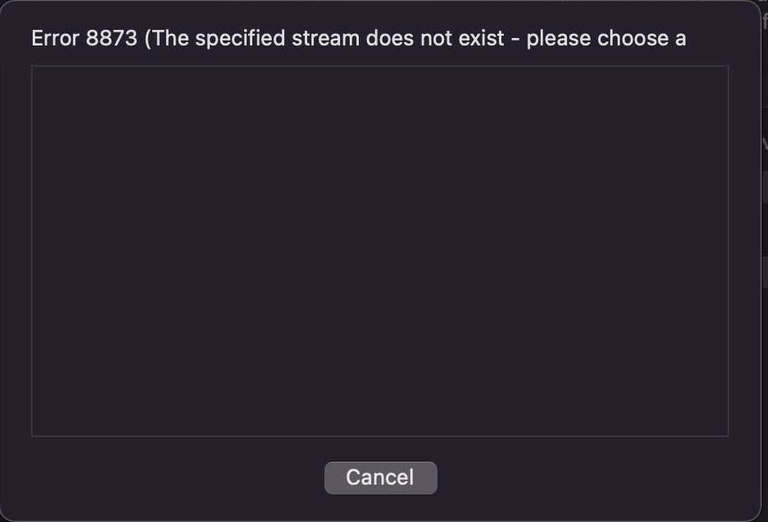
This is the error msg when using H.265 and clicking auto-detect stream.
-
Apologies, I did mean to write stream 1 as meaning the first/primary stream, not stream 0.
However, it's clear that the camera is not making any streams available. See if you can locate anywhere in the camera's settings where you can add/remove ONVIF streams. This won't be under the "Port Mapping" settings that you posted, this will be somewhere else. It's possible that the camera has no streams set up by default - it's rare, but we've seen this a few times with other cameras.
The other thing I notice from your screenshots is that the camera is using a non-standard RTSP port of 7070. This could be the thing that prevented the ACTi profile from working previously. I would recommend changing this setting in the camera to 554 (the standard RTSP port), applying the setting, and then trying the ACTi profile again in SecuritySpy (with the "RTSP port" box empty so that SecuritySpy also uses the standard RTSP port of 554). Does this work?
-
That was It!! RTSP port needed to be 554. Thank you so much. I've been banging my head against this wall for over a month.
For whatever reason it was defaulted to 7070. Upgraded the Camera firmware with no luck, then I defaulted it, again no luck. Changed that RTSP port to 554 and its now working perfectly. Acti Setting working great.
-
Great to hear that. I don't know why some manufacturers choose to use non-standard port numbers, this just makes problems like these more likely!


