AppleTV and iPadOS bugs; also please no green dots

iPadOS bug happens on my wall-mounted iPad Pro 12.9 in Landscape. The cameras are now squished horizontally, showing me the entire 4K image. Before they were just cropped on the left and right side giving me the middle portion, which I prefer. 2x2 Multiplex
AppleTV bug; every 10 seconds the cameras slide away and come back as if it trying to show the next four camera Multiplex view but I only have four. Im using the 2x2 Multiplex view in a four camera setup.
Green dots - My Axis cameras overlay the date/time to the stream to reduce post-processing by the SS server. For well over 10 years now, the time hh:mm:ss served as a status if they were frozen. Which might have only happened twice in ten years at multiple locations. Please remove this or make it opt-in instead of opt-out. Maybe a checkbox server side to reduce options in client app? I will literally Venmo you $100 tip. Thank you Ben. I love your app, it is the most stable software I have ever used. Please please please
I am running v5 SS on headless M2 Pro Mac mini w/ Ventura 13.7.2. AppleTV is the latest 4K with the Ethernet port and latest OS. iPad Pro is 2nd Generation 12.9 Landscape with iPort wall bracket iOS 17.7. iPad Pro is on 24/7 for over 6 years straight rock solid. Four Axis Q3518 POE with Ubiquiti 48-port switch.
P.S. On the AppleTV app, the green dots are in the top left corner of each camera output but in the iPadOS app they are in different places.

Comments
-
Thanks for this helpful feedback.
We'll add an option to hide the green status indicators in the next update.
The squished images in multiplex is not a bug - that's intentional to avoid cropping. But, I understand that different users will have different preferences here, so we'll add a setting for this too.
The multiplex slide thing: sounds like you have cycling enabled - to turn it off, swipe-down on the remote and choose the infinity cycle time. While not exactly a bug, it's probably better that the app automatically turns off cycling if there is only one panel to display - we'll add this. In the old app, it must have also been cycling, but the lack of the slide animation made this invisible.
No Venmo required, but please consider upgrading to the latest and greatest v6 version of SecuritySpy - this is the best way to support our software!
-
"The squished images in multiplex is not a bug - that's intentional to avoid cropping. But, I understand that different users will have different preferences here, so we'll add a setting for this too."
I would ask that you take another look at everything at play here. The aspect ratio of a TV is 16:9 so it can handle four 16:9 feeds such as 1080P/4K without stretching or squishing. The aspect ratio of my iPad Pro 12.9 is 4:3 which is why the cropping or black bars are absolutely necessary. Long ago, you chose cropping and I agree with that philosopy. This new version does neither. Instead it distorts a 16:9 feed to a 4:3 box.
A mistake has been made here. Cars look goofy, Fat people look skinny. Normal people look like poles. My cat looks super weird. The world does not look like your app is showing me.
P.S. You were right about the cycling. The update flipped the setting from 10 seconds from Infinity.
-
Again, we're adding a setting to put it back to the way it was before!
If the aspect ratio doesn't match, there are basically three options, each with different tradeoffs:
- Crop: no distortion, but you lose some of the image.
- Stretch: you see all the image, but it's distorted.
- Black bars: you see all the image, it's not distorted, but it's ugly (especially with cameras of varying aspect ratios), and you lose potentially large areas of pixels to the display of nothing.
Until recently, the iOS/tvOS Multiplex mode always used the crop scheme. However, we received a significant number of complaints about this because it cuts off potentially important parts of the view, so in the latest update, we switch to the stretch scheme. We've never used the black bar scheme (it doesn't work so well on the iOS/tvOS Multiplex view which is just a plain matrix of camera, as opposed to the macOS video windows that have clear delineated rectangles for each camera, with divider lines and status bars).
Personally, I think stretch is better for security purposes - it doesn't really matter that the view is distorted, what matters is that you can see it all. But I understand that others may have a different opinion, and this is clearly a divisive topic, which is why we're going to add a setting for user to choose between crop vs. stretch. Update coming this week.
-
Nice Setup! 4 Subwoofers?!?!
Just my 2 cents, but If I were you, I would retire the iPad. It has served its purpose. Replace it with a Mac mini (or maybe an Apple TV4k). And never deal with the 4/3 ratio again.
-
The new tvOS update (1.8.6) is now available via the App Store. There is a new settings panel that includes a "Display Mode" item with the following options:
- Crop: aspect ratio is maintained but images are cropped to fit (how it was in 1.8.4 and earlier).
- Stretch: no cropping, but images are distorted to fit (how it was in 1.8.5).
- Balance: 50/50 hybrid between the above two approaches, which should give you the best of both worlds: reduced cropping without too much distortion (this is the new default).
-
Just an FYI, @Ben and latest Apple TV app.
I have a Reolink doorbell with a 2560 x 1920, resolution that cannot be changed.
It stretches fine on the macOS app and iOS app, but Stretch, balanced and crop does nothing to it on the TVOS app. My other 7 cameras are all 16:9 and thus display fine.
Robbie
-
I actually enjoy the red/green dots as an attempt to show whether the stream is live or frozen. I have a number of cameras that run over wifi/bridge links and this is a great way to monitor that link.
However, if I could make one more suggestion in the evolution of this feature.... please consider changing the shape to a square if red and circle if green. My colorblind eyes can't really tell the difference between the red and green dots at a glance... I need to really study and compare them each and everytime I look.
-
Thanks for adding the options to turn off the green dots and use crop mode in display.
World feels right again on my iPhone. What works for one person doesn't always work for others. Having the choice is super nice.
-
@jimmyjohnson - good point about colour blindness. I'll see what we can do in the next update. A square may be odd, but perhaps we can add a cross into the red dot to make it clearer?
-
The square was just an example. Cross sounds even better.
The app upgrades feel fantastic, btw.
-
Thanks for this helpful feedback, and I'm glad you're liking the recent app updates!
-
The new app for AppleTV and iPadOS has a bug where when you leave SS and return - the camera feeds are frozen and I have to force-close the app. It happens 100% of the time on my iPad and about 80% of the time on my AppleTV.
-
I also noticed this on my ATV but I thought it was related to some network irregularities I was working out. Last couple nights have resulted in no freezes.
-
Hi @markbodiford @jimmyjohnson are you both referring to the live multiplex view? This is a known issue with the current apps. You'll have to exit and then re-enter the multiplex view to get it going again (you don't have to quit an open the whole app). We'll be addressing this soon with some updates. Let me know if you are referring to something other than the live multiplex view.
-
That's exactly what I was referring to, and noticed it seems to have resolved on its own with some networking optimizations on my end. I used to have to restart the multiplex view 5-10x per day and now it's less than 1.
-
I apologize for not being precise and descriptive, I know that is helpful for you guys. Yes, the live multiplex view.
After using the new version more with the colored dots, I much prefer the long-standing blacked out box as an indication that a feed is down- if that's on the Things to Do List, +1 for that Setting.
Thanks Ben
-
Update: the new 1.8.8 version of the app is low live in the App Store, with a fix for this multiplex freezing issue for both iOS and tvOS.
@jimmyjohnson - also in this update, when a camera goes offline, in addition to the colour change from red to green, the shape of the status indicator will change from a dot to a warning triangle.
-
Thank you!
-
Not to be a PITA, but is it possible that we have an option that we show no green dots when connected, but if there is a connection issue then we get the warning triangle? Some people are just never happy. LOL
-
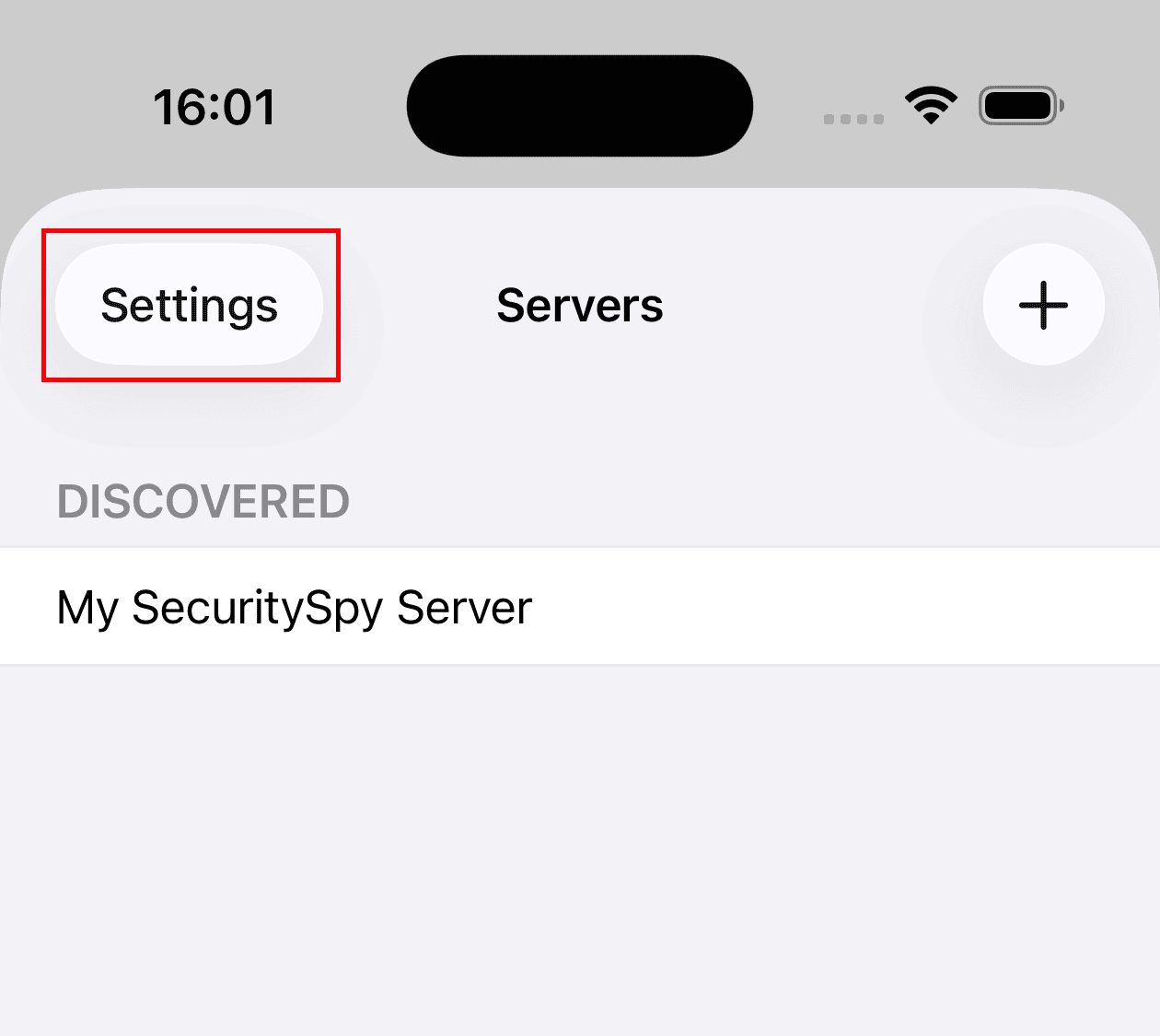
So that's where it was... LOL I kept looking for it on a per camera basis on the SS settings itself. Stupid is as stupid does. I do sometimes wish that apps had a link to their settings from within the app... but then again.. some people are just never happy. LOL Thanks Ben!
-
I agree - that's why we have it already :)
-
Nice... but in the never ending quest to want more... LOL Wouldn't it be nice if there was a setting on the SS server that was a "global" setting for the option of seeing the online indicator? Then I wouldn't have had to make the change on 3 devices to turn them off ( 2 iPads and iPhone ). I'm old and frail ya know... all that tapping. LOL Hope you are having a great week! Cheers!


