Actions not triggering v5.5.11

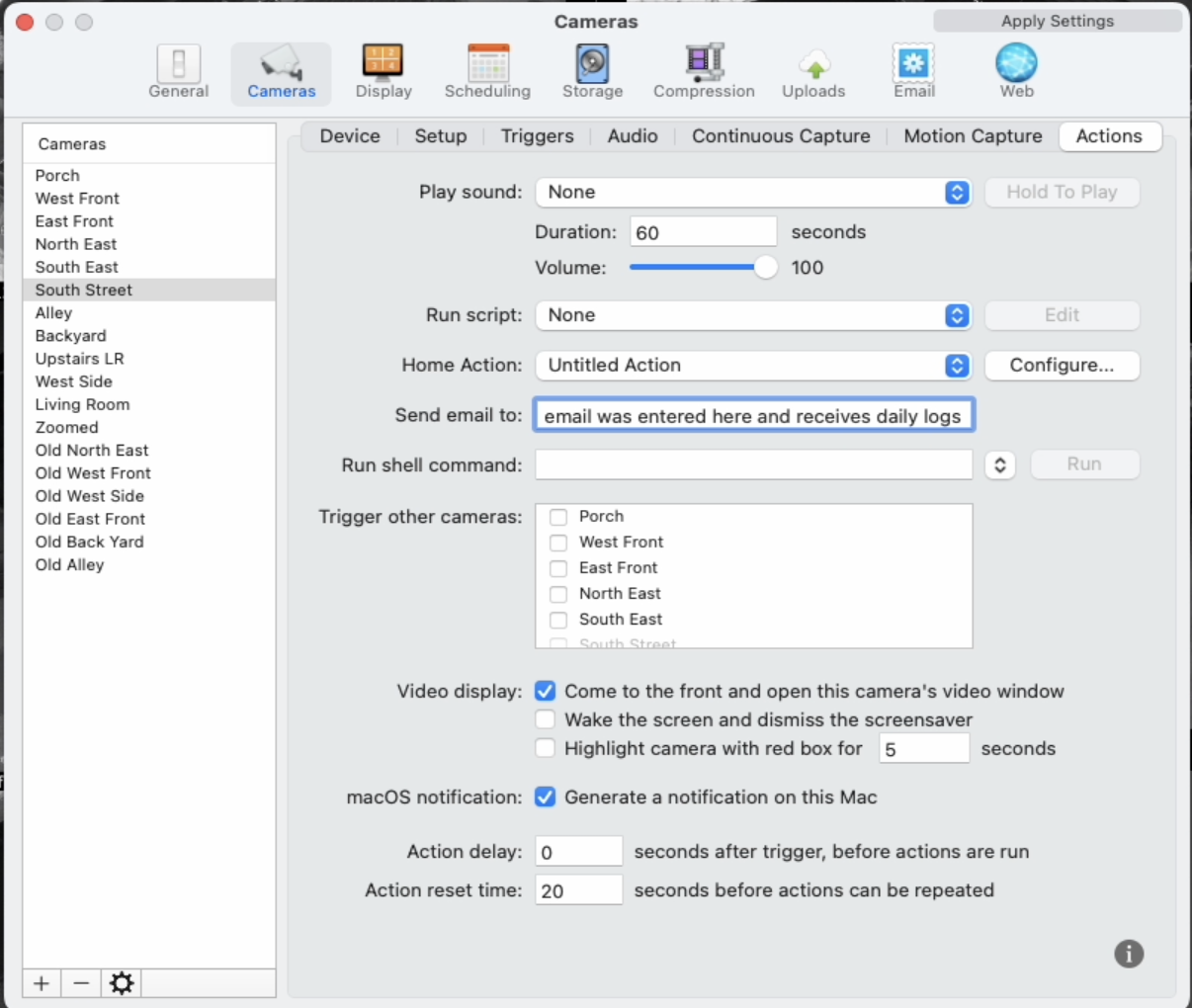
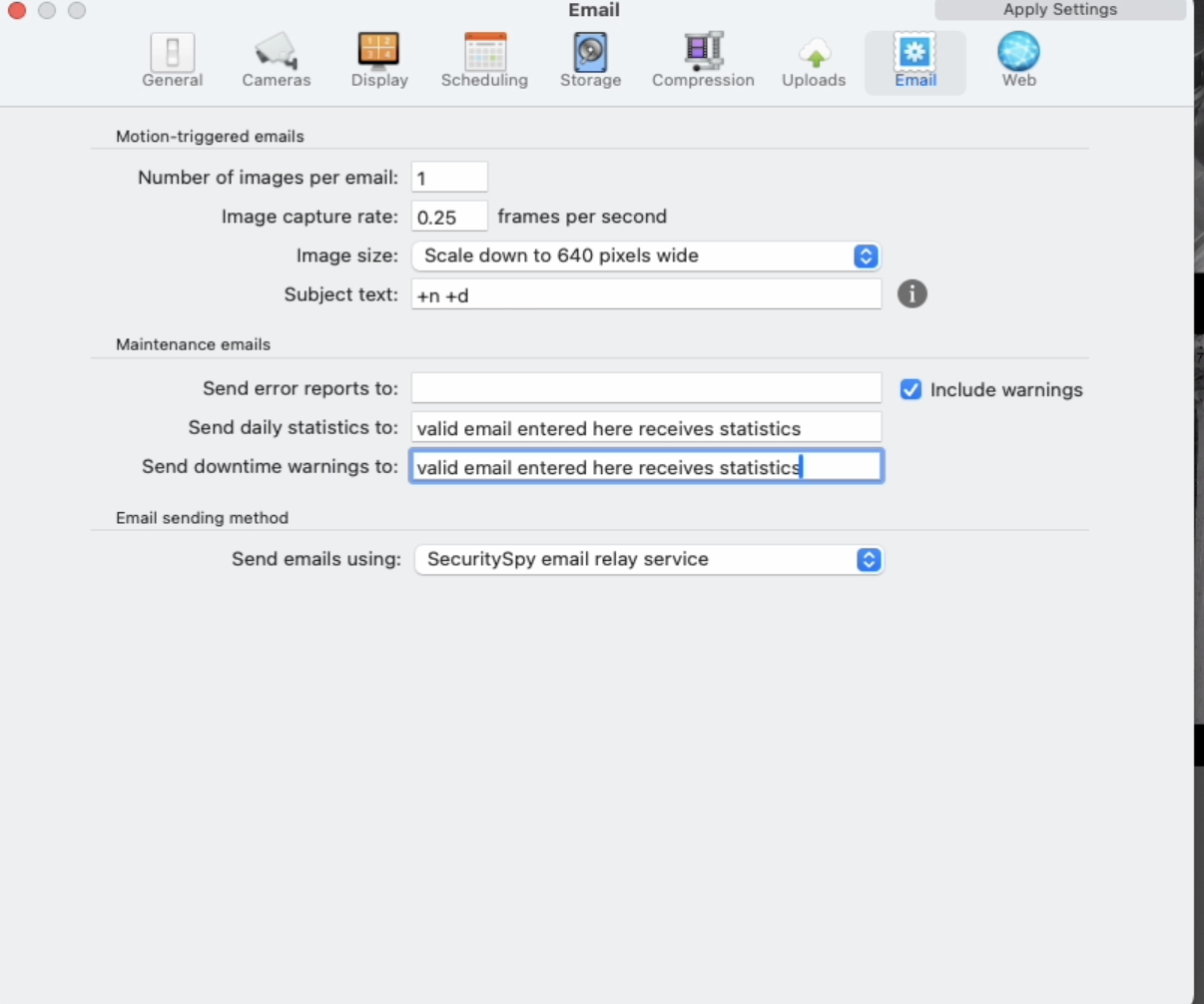
I've had this for a few years and considering an upgrade, but recently have been trying to get emails with a couple images for motion on a couple cameras. For the life of me, I can't get it to send me any email nor activate any of the "home helper" actions. I get motion recordings as I've always had them set up, but it seems like I just can't get a "motion trigger" to do anything I have set in the actions tab. I've tried just activating a pop up of the camera on motion and that doesn't seem to work either. I feel like I'm missing something easy here.
Summary - I can't seem to get any actions to work via triggers for any camera... as far as I can tell. Continuous recording and motion recording does work.
Thoughts? I don't feel like I should have to upgrade just to get this to work, but may try the 30 day trial to see if I have any luck.
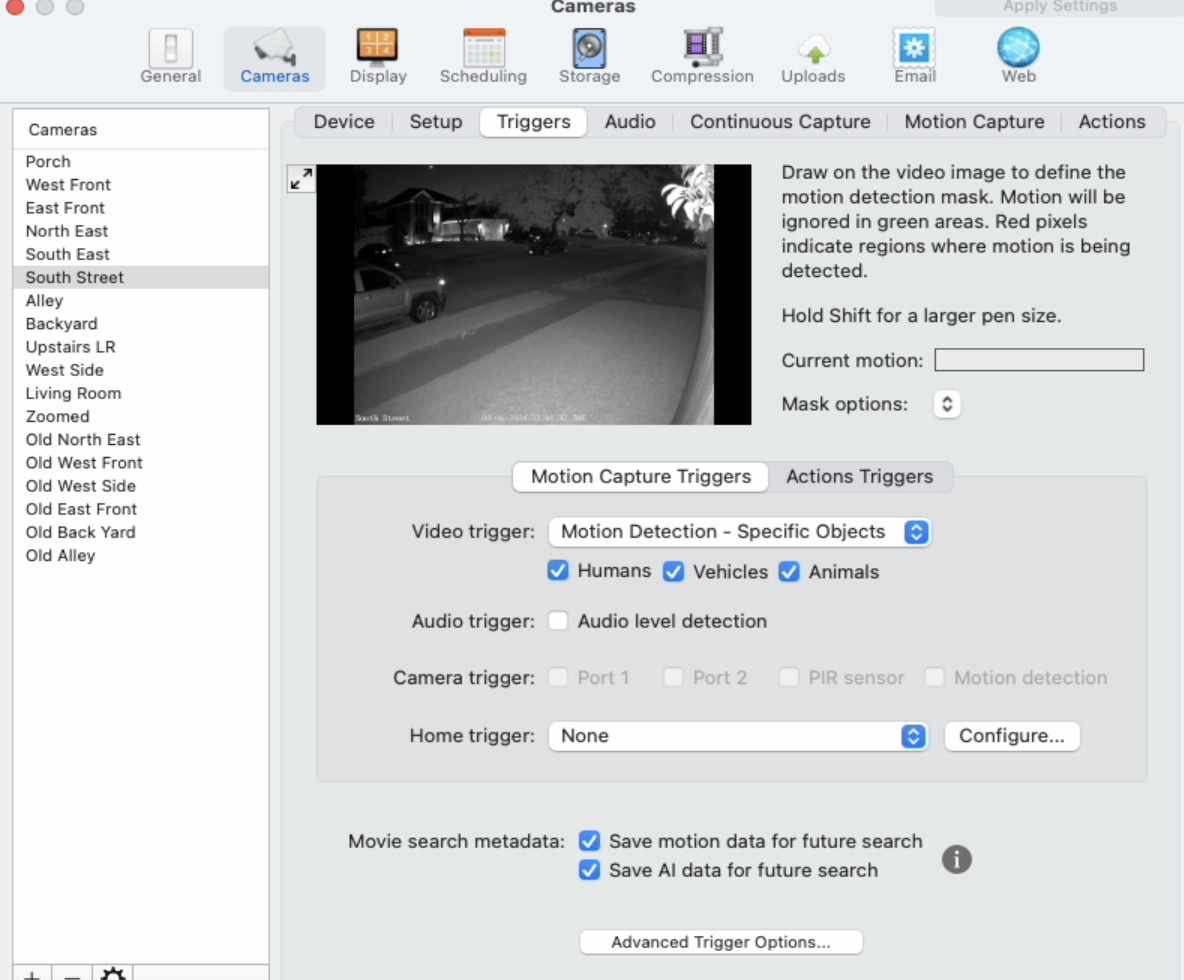
Any reason these settings wouldn't cause the actions specificed it the actions tab to work (none of the actions trigger on motion). Again, motion recordings are working so it's detecting motion, just no actions are working.
Comments
-
The main thing to check here is that Actions mode for this camera is actually armed on a suitable schedule, like "Armed 24/7". These schedules control when the camera modes (Continuous Capture - "C", Motion Capture - "M", Actions - "A") should be armed. Check the "A" indicator for this camera, which you will see in video windows and in the Camera Info window. It should be orange while waiting for motion, and then turn red when triggered by motion. If it's grey, then this is the problem. Click it, and select the "Armed 24/7" schedule (or other suitable schedule that arms this mode at the times when you want it armed). You can read more about schedules and how they work here: Recording and Schedules. Does this solve the problem?
-
Thanks so much for the reply. This sounds like the issue. Will look into it and let you know.
-
This was the issue. Thanks again Ben!
-
Great to hear it's now fixed.
