Low Quality / Artifacts in Multiplex

I've recently noticed artifacts / low quality when viewing streams in Multiplex mode. I have six cameras showing at once, no cycling. This happens in both the iOS and tvOS apps. The camera feeds don't have this issue when viewing them directly on the SS server. The iPhone and Apple TV i'm testing on both have high speed connections to the SS server (the Apple TV is using ethernet on the same local network as the SS server).
Is there a setting I'm missing in the latest app or SS version that could be contributing to this issue?
Comments
-
This sounds like a compression quality issue with the server producing these streams. Could you please email us at support@bensoftware.com and send a screenshot, so that we can see what you are seeing. It may be the case that we will have to adjust this compression quality upwards a bit in the next update.
-
Thanks, Ben. I just sent the email.
-
@Ben I have the same issue. 8 cameras on the same network as the server. Apple TV A2169 & Apple TV A1625 both showing the artifacts that are similar to a low res video feed, then gradually increasing in resolution, then jumps back to low rez. The cameras dont move through the low rez to high rez cycle at the same time(lock step).
The camera feeds are 12fps, 0./9MP, 1280x720, ~240KB/s
Issue started when the incremental update was pushed to resolve ticket A31-EQP-8XG1.
-
We've now adjusted the compression quality upwards in the latest beta version of SecuritySpy. There is also now a user-adjustable control under Preferences > Compression that allows you to set the quality for web streaming, which will affect these feeds. So please try this beta and let me know if these feeds look better, and if you have to manually increase the quality a bit more to get the results you want, please let me know what setting you find works for you.
-
Hi Ben, heres an update:
Installed the beta. Now running 5.5.6b6.
Verified that the low quality issue in multiplex still exists. It does.
Change the quality to '90' on the 'video compression for web streaming' slider. Check if the low quality issue in multiplex still exists. It does.
Change the quality to '5' on the 'video compression for web streaming' slider. Check if the low quality issue in multiplex still exists. It does. The 'snap' to the low quality seemed to not happen as quickly though.
The video will snap to the low rez image below.
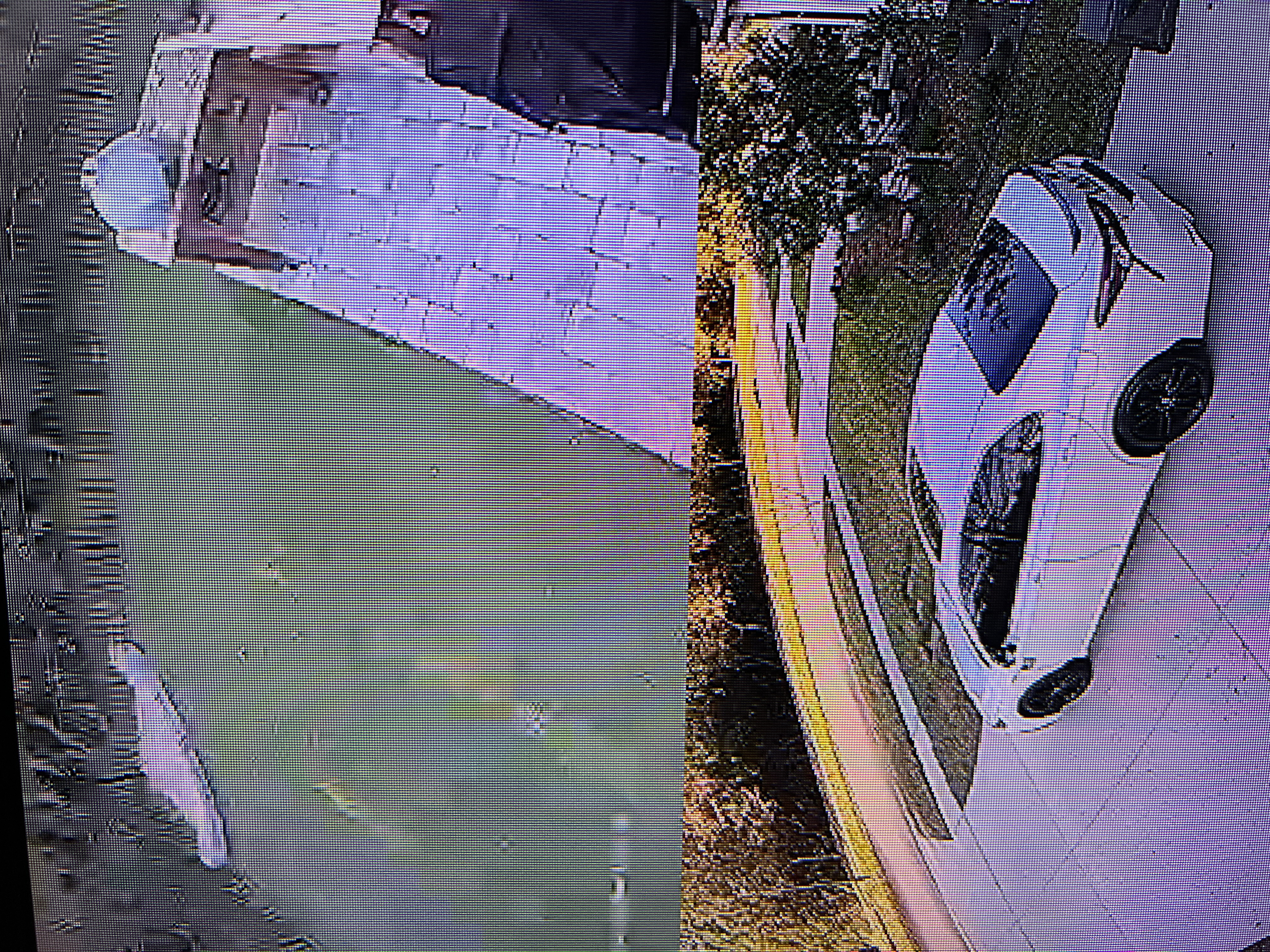
Then over the next 5-9 seconds the image will gradually increase in quality to this:
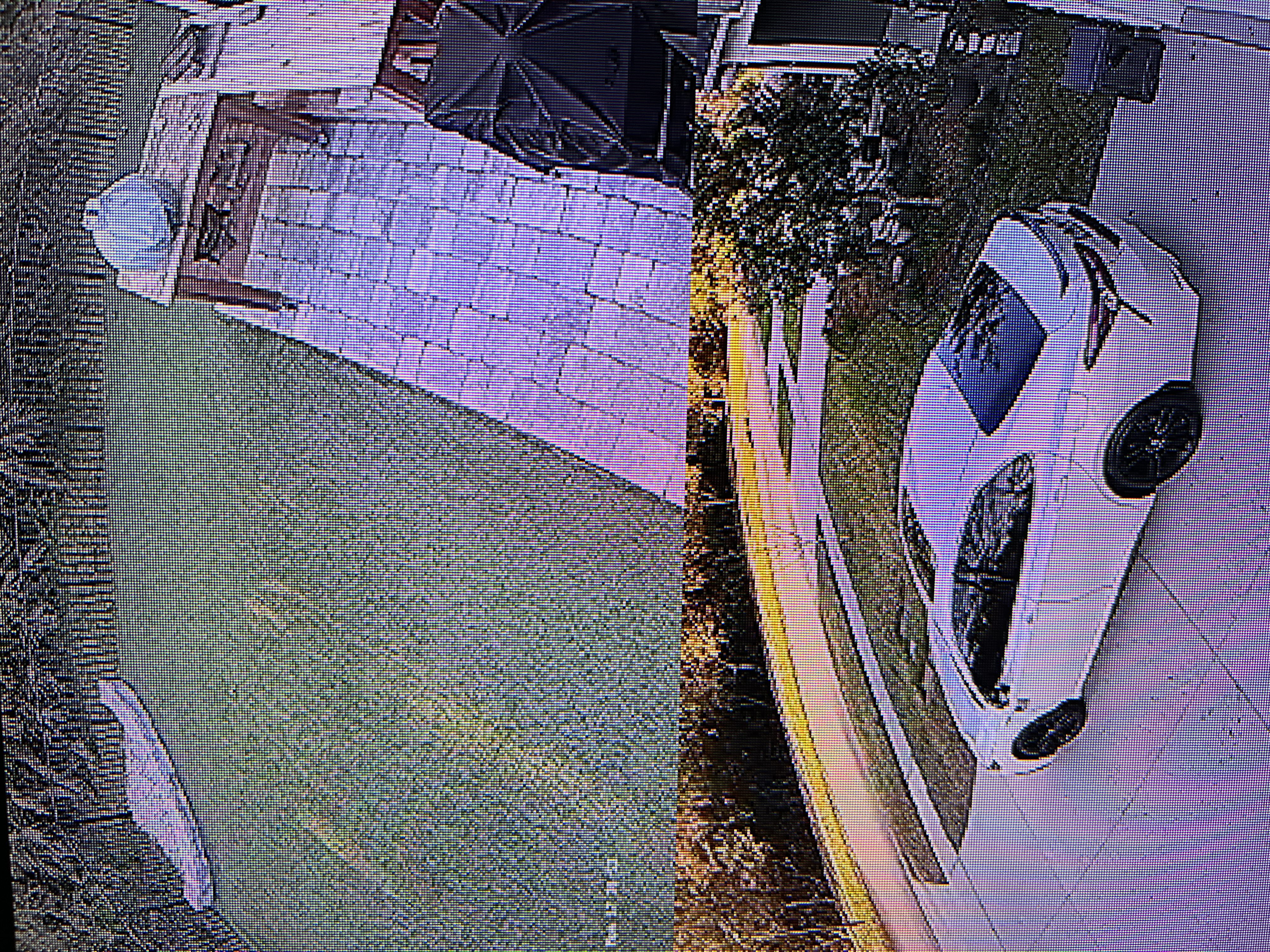
Then it will snap back to the low rez pixelated feed.
Sorry for the iPhone pictures of a TV. Couldnt figure out how to quickly take screen shots of an AppleTV output.
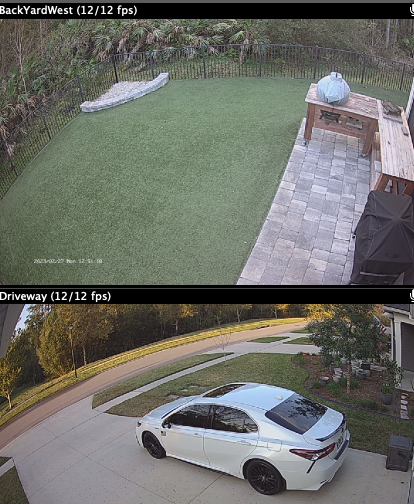
Of note... its only the first 4 cameras that are showing this behavior. The timestamp is embedded at the camera and also gets pixelated. The server is on an M1 mini. The streams arent really high bandwidth video streams compared to what the cameras are capable of. This setup has been extremely stable up until the multiplex changes you were working on with me earlier this

I am seeing this behavior across 3 AppleTVs (all on the same Unifi network), 2 of the AppleTVs are hardwired, 1 is Wifi. 1 AppleTV is 4k version with gig connection, 1 Apple TV is HD version with 100MB connection, and one is AppleTV HD over wifi. Im pretty confident its not a network saturation issue.
The all camera view on the M1 is great. No issues.
-
Hi @dahayes thanks for this information. I can see the problem clearly, though it's strange that it doesn't happen all the time, and also not on all cameras. It's clearly a server issue (not network, not Apple TV) whereby it's not using a high enough bitrate to encode the stream. But I have checked the server code and can't see an issue yet, nor reproduce the problem here.
It's also strange that the new quality setting doesn't seem to be having much effect. Note that when you change and save this, you'll need to exit from multiplex and then enter it again, so that the streams can be re-established with the new quality setting.
I think the best thing to do would be if we can have a look at this directly. Please email us and include a debug file (SecuritySpy menu > Debug > Create Debug File On Desktop). And, are you able to allow us to connect to your SecuritySpy server temporarily so that we can test the video stream quality at various sizes and frame rates? This would be very helpful - if so, please include login details in your email (we just need permissions set for access to live video for just the affected cameras).
-
For anyone reading this thread, this issue has now been fixed in the latest version of SecuritySpy (currently 5.5.7).


