Web server not showing live video

I'm trying desperately to move away from Wyze. One requirement is that cams be viewed on Android devices, so I'm trying to use the web server to accomplish this. Unfortunately, only some of the cameras will display, and eventually they all seem to disappear.
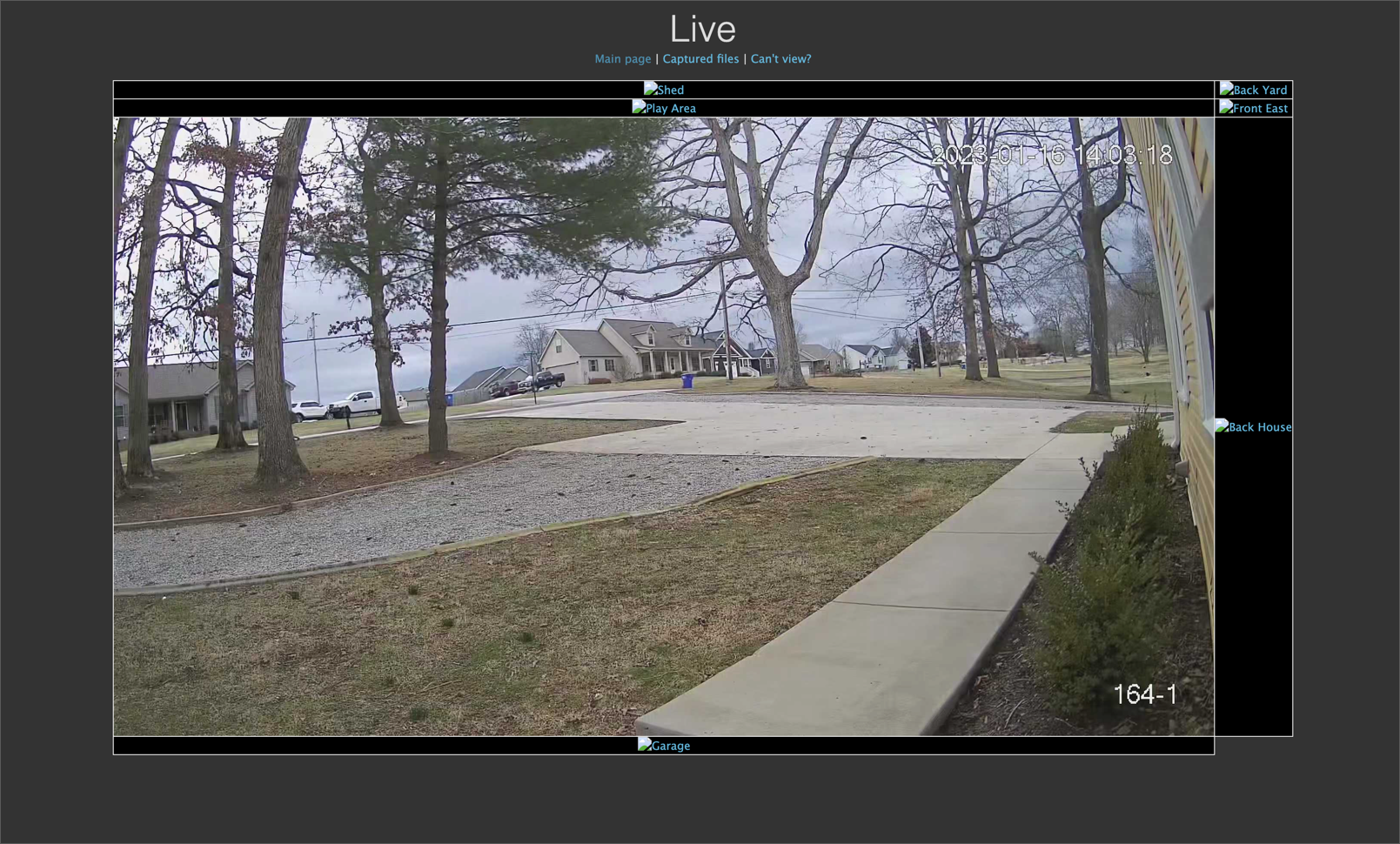
I'm using Automatic format and size, but I've also tried other Format settings with similar results. When I try viewing things today, all the cameras appear at first, then then all but one will turn into those broken image icons almost instantly, and after a while longer (maybe 20 seconds) it will also become a broken image icon.
This is what appears in Chrome's dev tools Console:
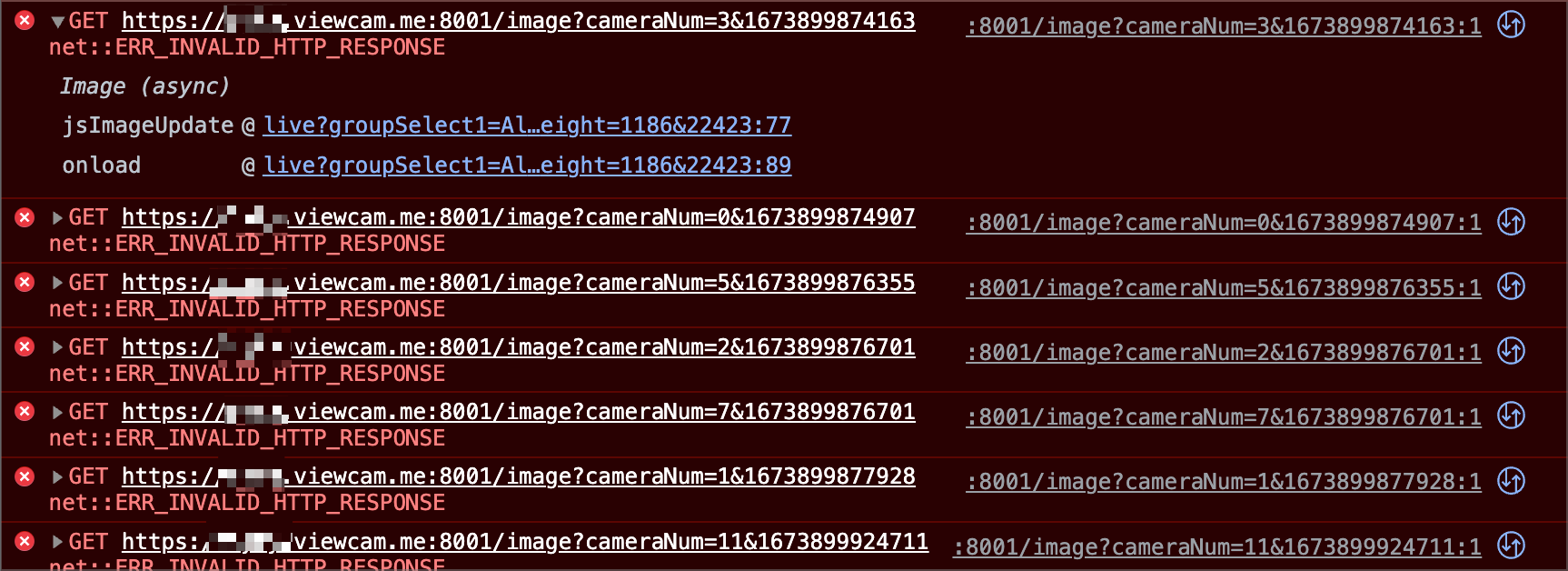
Any ideas for troubleshooting?
Comments
-
Well, somehow I got things working. It may have been a firewall issue. It was originally configured to allow TCP on 8001, but I added port 8000 and set both to allow ANY instead of just TCP. I'm not sure exactly what fixed it (I made several changes at once), but it works now!
-
Glad you managed to get this working. The problem symptoms do point to some kind of client/server communication issue, however it's not clear what this is, and I'm surprised that the specific changes you made could have made a difference here. Could it be that the cameras themselves were going offline in SecuritySpy for some reason, and therefore becoming unavailable to web clients?
I'm afraid we don't do much testing on Android, since the vast majority of our users are exclusively within the Apple ecosystem.
