Cameras not visible on mobile app or remote SS Client

After adding new cameras and deleting old ones, I can see the camera feeds on my SS server machine AND can connect with admin credentials via remote apps (on my LAN), but see "No Cameras". Is there a setting I am missing that prevents cameras from being shared remotely? I do have the web server enabled, and those settings remain unchanged from when my old cameras worked without issue...

Comments
-
This is probably a permissions issue. Go to Preferences > Web in SecuritySpy, edit the particular user account that is in use here, and make sure it has access to view some cameras. If you wish this to be an admin account (i.e. access to all cameras), make sure to set the "Permission level" setting to "Administrator".
Does that solve it?
-
I agree, it presents as a permissions issue. Sadly that doesn't seem to be resolved through the preference panel, I'm using an admin account created in web preferences. I created a new administrator account to test an account specific issue, but that doesn't appear to be the issue either. Here's a screenshot of you web settings, is any of this out of place?
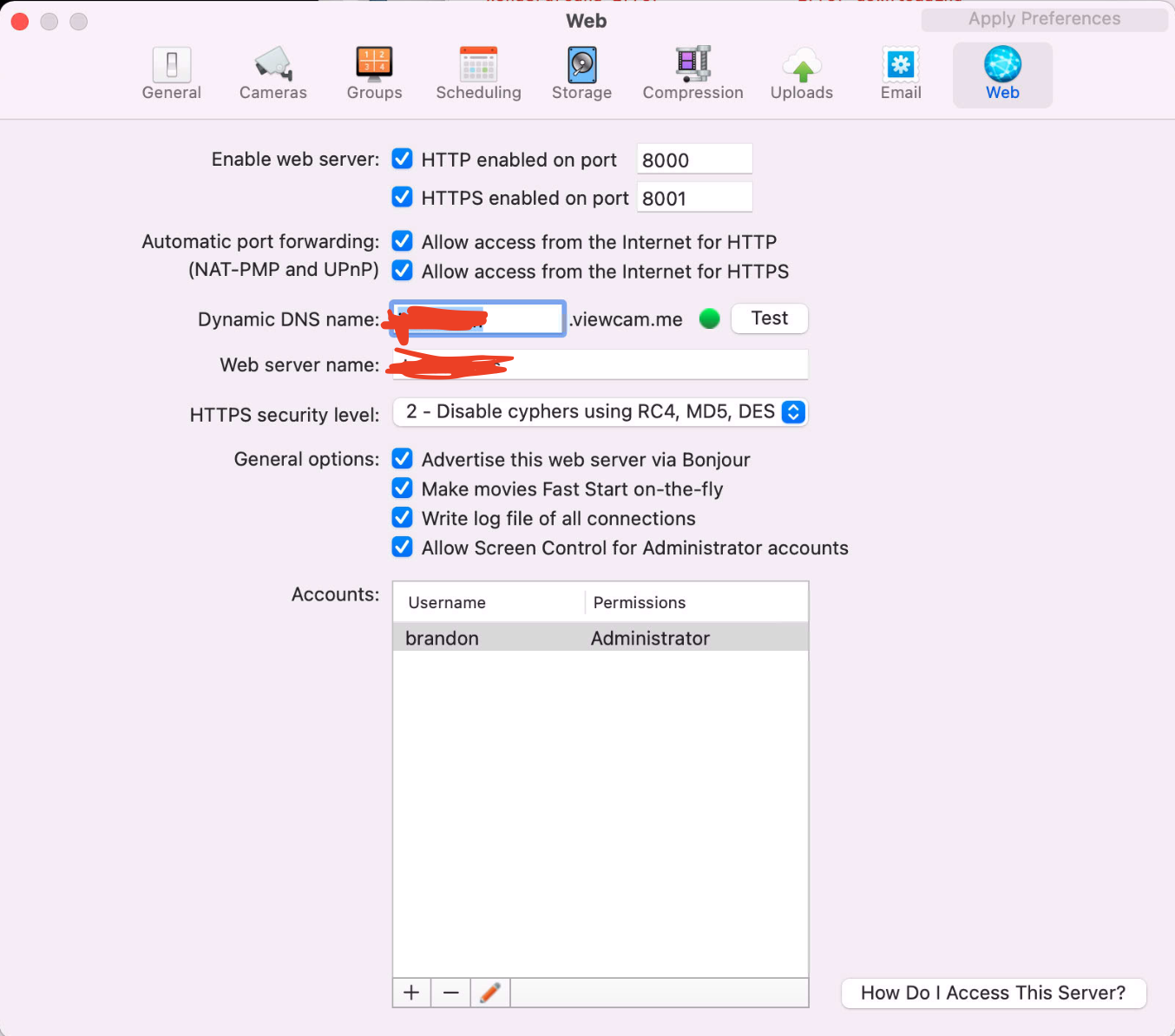
-
Ok, looks like it was a licensing issue, I re-entered my license details and I can now share. I only got an error when I tried testing DDNS.
All set, thanks!
-
That explains it! Sorry I should have thought of that - an unregistered instance of SecuritySpy that is beyond the 30-day trial period reverts to "live view only" mode, which allows live viewing of cameras in the software itself but no other features such as web access.

