iOS app - not working through WAF

No problems accessing SS from outside the network using Safari on port 9001 (https). Works on MacBook Pro M1 or iPad.
But I can't get it to connect using the Security Spy iOS app. Create new Connection and it says "The server that responded is not SecuritySpy".
I think we've discussed this before and it's something to do with Headers that the WAF is not letting through.
Is it possible to add an option in the iOS app to allow it to ignore this check so that it works like the web browser does?
Thanks, James.
Comments
-
Hi James, are you accessing SecuritySpy's web interface via some kind of proxy?
If so, then it could be stripping out some headers that SecuritySpy needs. What kind of control do you have in your WAF related to what headers it lets through?
-
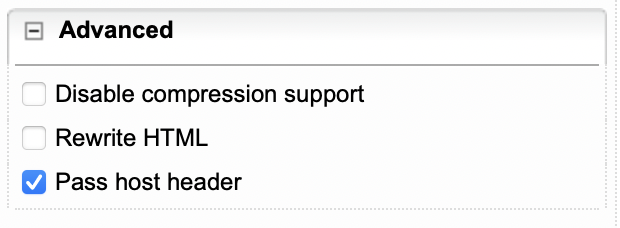
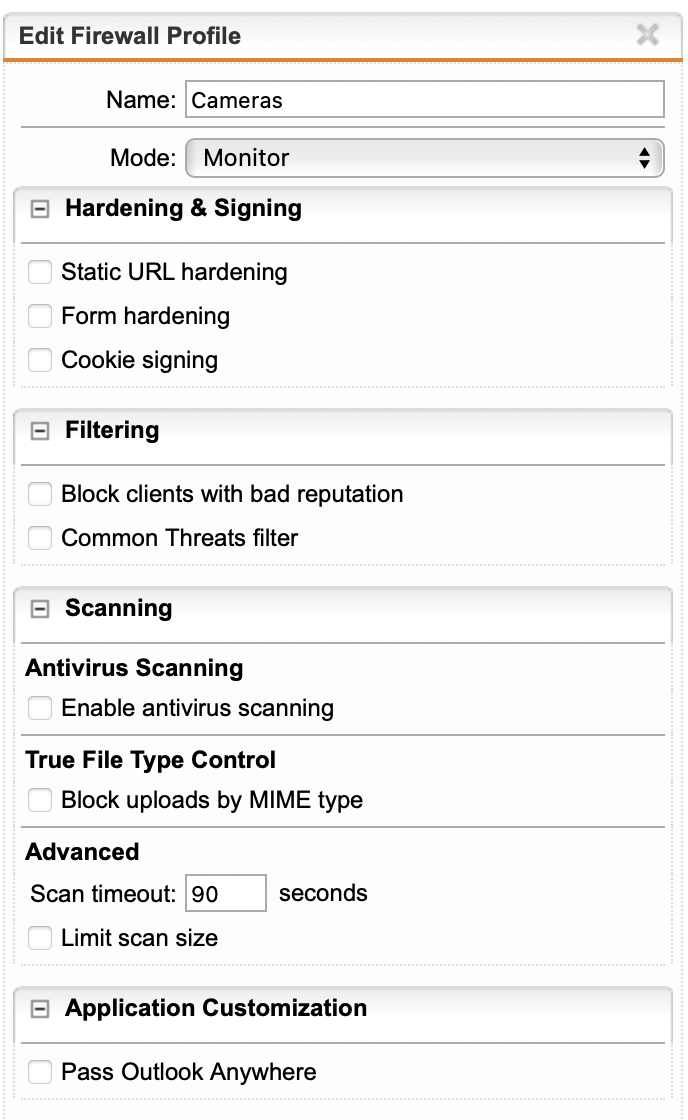
It's not really doing anything:
James.
-
Actually, there is a NAT rule on for port 9001, so it is not going through the WAF at all. 🤷♂️
-
Hi James, could you please set us up with a temporary account to your SecuritySpy web server (just viewing privileges for one camera would do) and email the login details to us at support@bensoftware.com - we will test access and should be able to determine what is going wrong here. Thanks.
