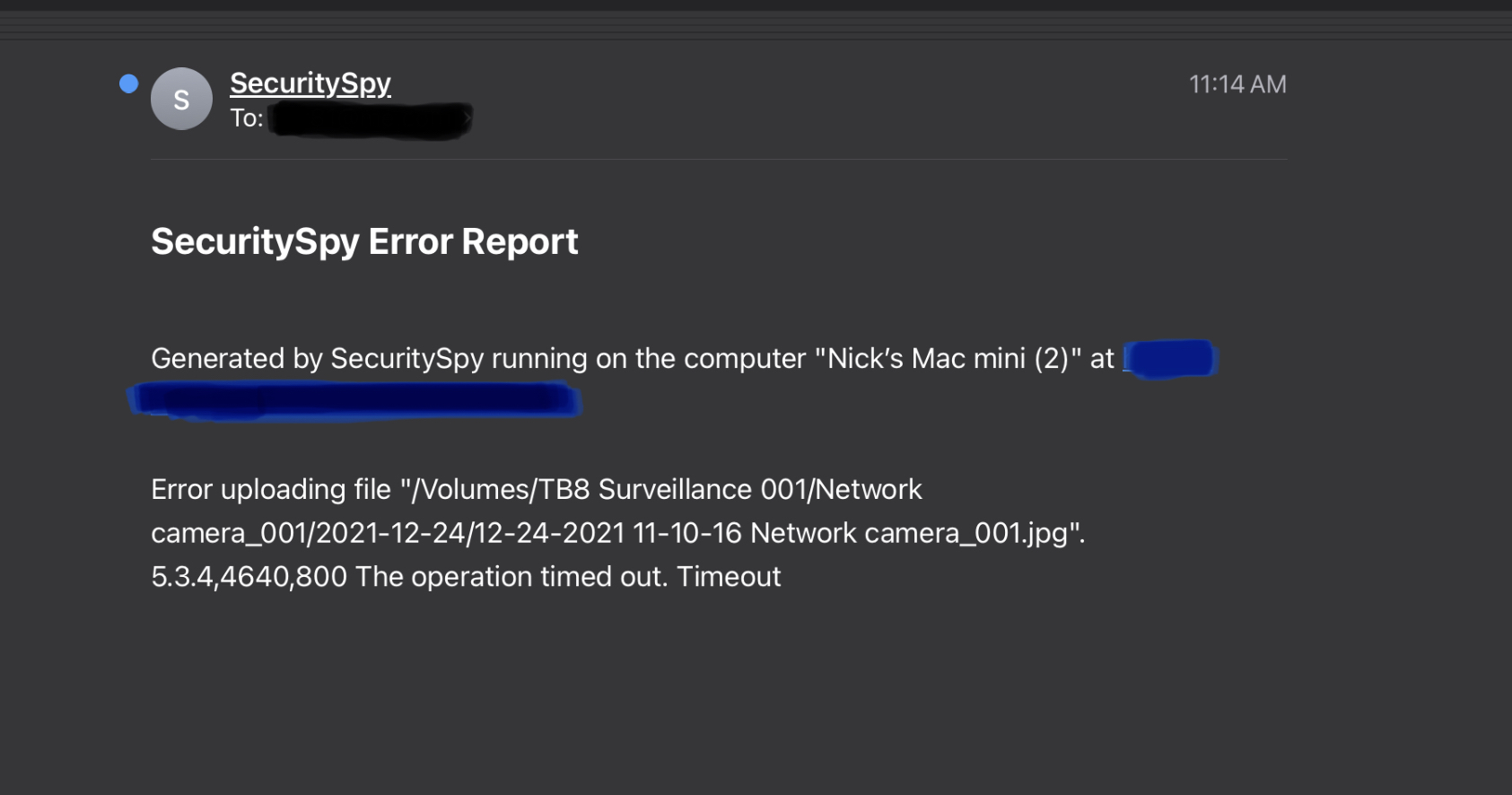
Error Uploading File

I have all my cameras set to save an image, a video and they’re on continuous record. I get an email notification for as long as there’s a motion event, today I got 18 over the course of an hour. It only happens when its trying to save an image when there’s motion, on the same camera I’m pretty sure. Any suggestions on what to check? I already know I’m maxing out my video decoder, cause I get that message, could it have something todo with that? I’m running an intel Mac Mini with 17 cameras set at 10fps except for one that’s set at 60fps for LPR capture
Comments
-
This message is not related to recording or motion detection or decoding; it's related to the options under Preferences > Cameras > Motion Capture and Preferences > Cameras > Continuous Capture to upload captured image files to an FTP server. This feature is most useful for offsite backup of video footage - it is not required for local capture to your Mac's internal drive or any external drive connected to your Mac. If you don't need to use this feature then simply turn these options off. But if you do need to use this feature, make sure that all the FTP upload destinations configured under Preferences > Uploads are valid and when you run the tests on these they produce a successful result.
-
Thanks Ben, I’ll check my settings, I must have accidentally turned that on. Merry Christmas.
