V6 Webpage whats the syntax?

Comments
-
Such a link can be generated via the URL Generator window that is available from the Window menu. Create an HTTP/JPEG link with authentication included, and this link will then give instant access to the camera when used.
However, this will only work for one camera at a time. There is no such link that will give you instant access to the new web interface, because we have switched to cookie-based session authentication from the old method of basic HTTP-based authentication. This is due to some significant flaws in HTTP authentication (mainly the lack of an official logout mechanism) that renders it inherently less secure.
But, with the new authentication scheme, sessions are retained until you explicitly log out, so if you simply never log out, there is no need to re-enter login details. Of course, only do this in a web browser that you have exclusive control over.
If you want to, you can still access the old web interface at the /legacy subfolder, in parallel with the new one.
-
That’s quite an inconvenience Ben. When I close Safari I am logged out. You should be able to do "remember in this browser"? So what is the workaorund link if I dont want to enter user and pass each time but open the browser and see my cams?
-
I have not changed Cookie Settings. OS is Sonoma latest version 14.3.1 . So I am the only one who cant have the weblogin saved? We are talking about this login.html right?
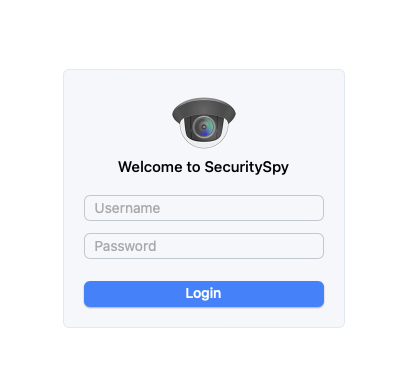
Cookies are not blocked

