Multiple Instances, One Computer

I'm thinking no, but is there any way to run THREE instances of ViewCam (happy to buy three licenses) on a single computer? Even if I rename each app, would they keep their own independent settings?
I have multiple servers across three properties. Currently, all cameras are running on a single server, but I am about to (finally!) split them up to their own separate servers. I already have three separate SS licenses, an 8-cam, a 4-cam and a 4-cam.
I run ViewCam fullscreen on my main computer with the cameras in a 3x3 grid, and use Spaces in Finder to just CTRL-RIGHT ARROW over to the fullscreen view.
I'd LOVE to just have three Spaces with separate instances of VC running, so I could run them in three separate Spaces and just arrow over to the first, arrow again to the second, and again to the third, and then just arrow back-back-back to my main desktop.
If that makes any sense...?
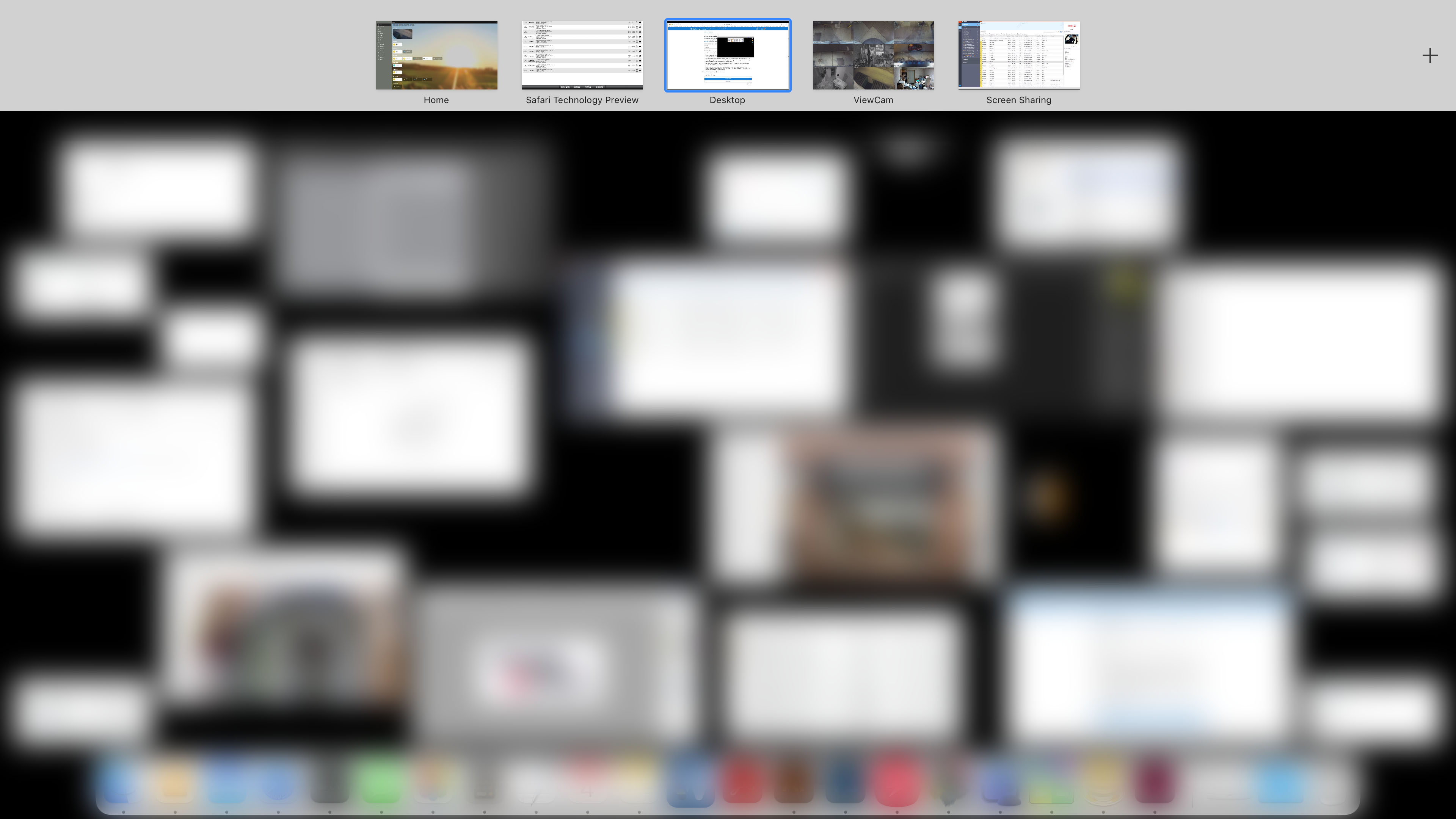
I've attached an image of my Spaces desktop. My main desktop is the center one, and ViewCam is the first to the right. I'd love to just have 3 of them, one connected to each server. (The Screen Sharing space at the far right is unrelated, just the interface screen of one of my printers.)
Three separate Screen Sharing sessions to the respective servers is an option, and could work the same way, but it is blurry and laggy compared to running ViewCam on the computer you're sitting at.
Thanks!
Comments
-
I'm going to self-reply here, but I think I might have found another solution...
Looks like I can set up cameras that are running on different SS servers into ViewCam. So if I can bump up to a 4 x 4 grid, I could actually have ALL my cameras on one screen.
And one other discovery, screen sharing on newer mac OS versions seems to be sharper than older versions. That printer interface screen sharing Space that I have set up is Mojave. (I had to maintain an old version for that printer.) It is a bit blurry, but workable. Screen Sharing to Sonoma seems to be much nicer.
Having the All Cameras window open does seem to put more strain on my server, but once I spread the cameras out across three servers, that probably won't be an issue. (Currently, all cameras are on a 2018 mini... Ultimately, that one will only have 2 cameras. And the other two servers are M1's.)
-
Great to hear that you have found a solution. To answer a question and to make my own suggestions:
If you simply duplicate the ViewCam application and load them both at the same time, they will share the same settings file, so this isn't a solution.
But what you can do is set up groups of cameras in ViewCam under Settings > Groups. So you can create three groups in ViewCam, and assign cameras to each of these groups based on which SecuritySpy server they belong to. Then you can open these three group windows, make each full screen using the green button at the top-left of each window, and then you can easily switch between them via Spaces in exactly the way you want.
Another thing I would suggest, because you have a number of cameras streaming at the same time here, is to specify a low frame rate and/or low resolution for each camera in ViewCam under Settings > Cameras > Device. This will minimise processing resource usage at the server and client end as well as network bandwidth usage.
-
Your solution is flawless, and way more elegant than what I was thinking!
Because I don't use groups, since I've essentially made separate servers to be my own form of groups, it never occurred to me to make a "group" of each server, and then open three windows! Since as you said, three separate windows full screen create three seperate spaces. *Italian chef's kiss*
Edit: I'm going to live dangerously, at least to try it, and leave all cameras at full 4k resolution and 20fps... I'm curious how it'll do. I've been using ViewCam for months with eight 4k@20 cameras running in a full screen 3x3 grid 24/7 and haven't noticed anything I'd consider laggy. And that's all on one 2018 Mac mini. My new arrangement will be 10 cameras with 6 on an M1 mini, 3 on an M1 mini, and just 1 on the old 2018 mini. (This third one will eventually bump up to 6 cameras, at which time I'll upgrade it to an M? mini.) So server-side load should be much lower I would think, right? And for the client-side load, I'll be on an M2 Pro, so hopefully that won't be an issue.
-
Great to hear that this has provided a good solution!
It does sound like your Macs are fast enough to work will full-quality streams. But if the data is going over the Internet, then the upload speed at the server and the download speed at the client also come into play. See how you get on - if you see some jerkiness/gaps in the live video, simply reduce the frame rates a bit until everything is smooth.
