Need help getting new camera recognized

It's this camera.
https://www.amazon.com/dp/B095XCGKTF?ref=ppx_yo2ov_dt_b_fed_asin_title
No trouble getting into the firmware in a web browser, setting passworrd, assigning static IP for ethernet and wireless.
Can't find any settings to get the camera seen in Security Spy. Tried everything possible. Could use a pointer, thanks.
Comments
-
This camera will definitely work with SecuritySpy. Since you already assigned it to a static address this should make the setup quite simple - try this:
- In SecuritySpy, open the Settings window and go to the Cameras section.
- Click the plus (+) button and select "Add Network Device".
- Enter the camera's device settings: Ethernet IP address, username, password, and select "Amcrest" as the Profile.
- Click the Save button.
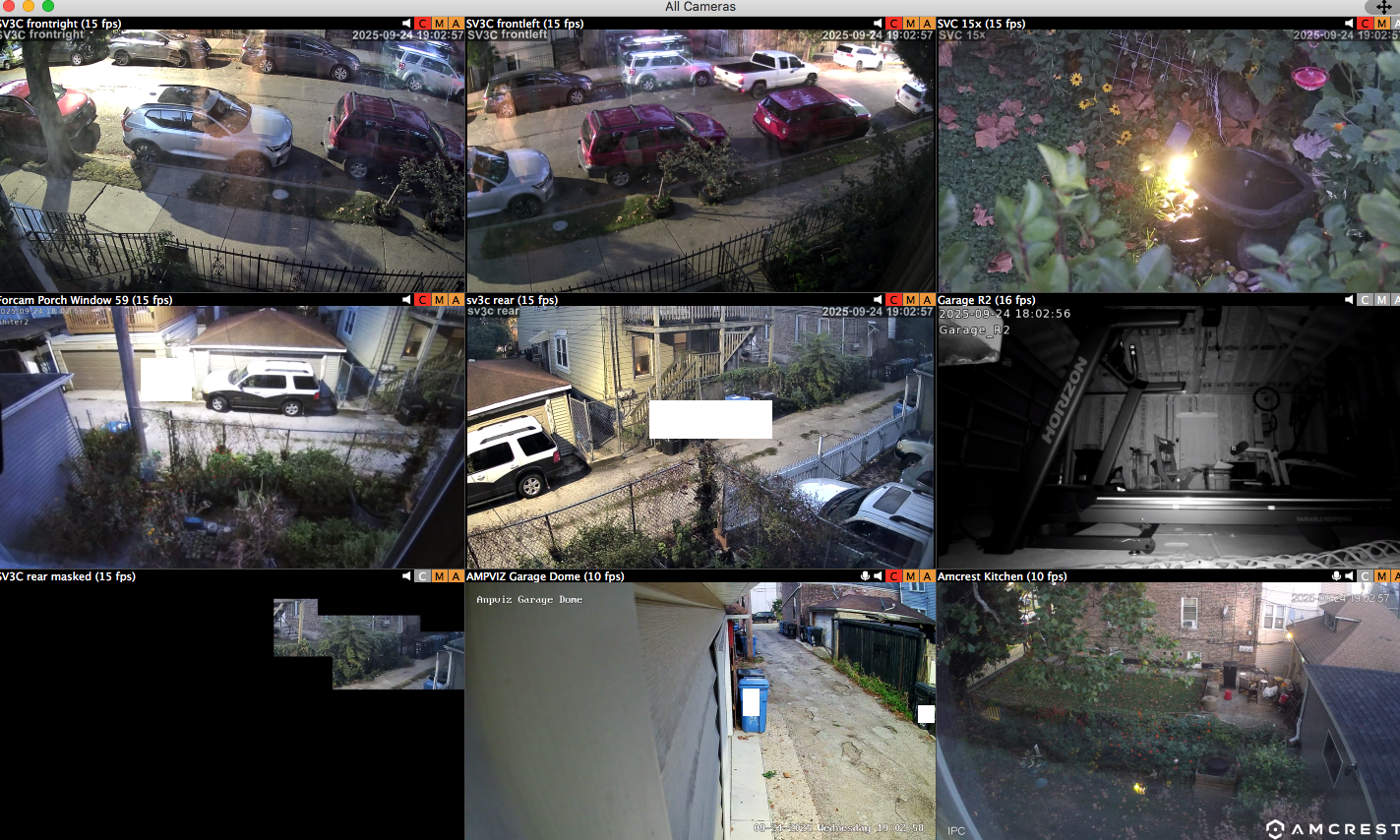
You should now see this camera's video stream in the All Cameras window. If not, email us and include a debug file (SecuritySpy menu > Debug > Create Debug File On Desktop) and we'll take a look and advise further.
-
Allright, that did it, thanks. I had been trying to plug in the appropriate settings to the old camera that stopped working so I wouldn't have to set up new capture and action protocols. not sure why it wouldn't work.
-
Got all my eyes again, been over a month since the Foscam went dark.
-
Good to hear you got it working!
I see that the "SV3C rear masked" has a privacy mask that is blocking most of the image. Are you sure you wouldn't instead prefer a motion mask here (configured under the Triggers section), so that motion detection will happen only in this area, but that the whole image is still visible? If so, you can remove the privacy mask in the Setup section. But perhaps there is a good reason for you doing it this way, in which case ignore this!
