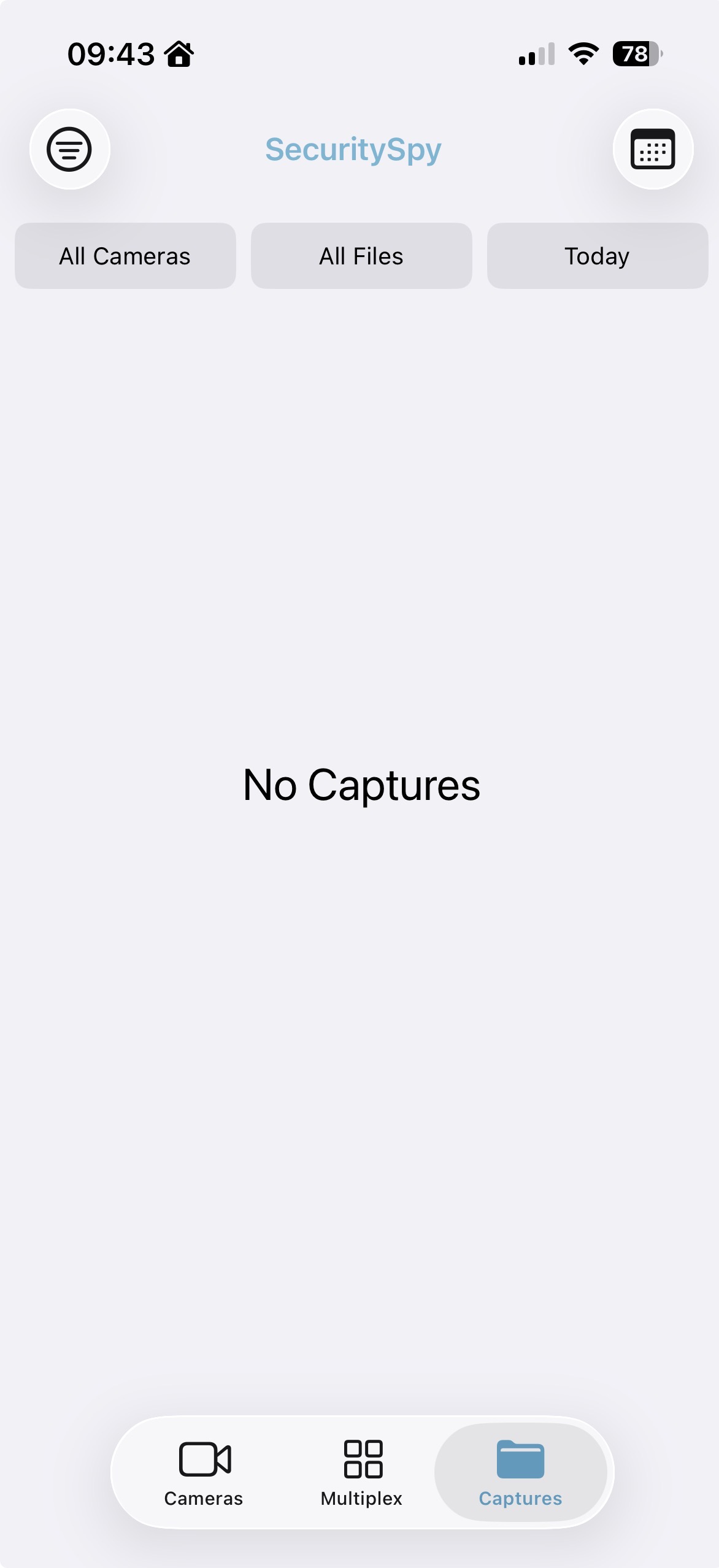
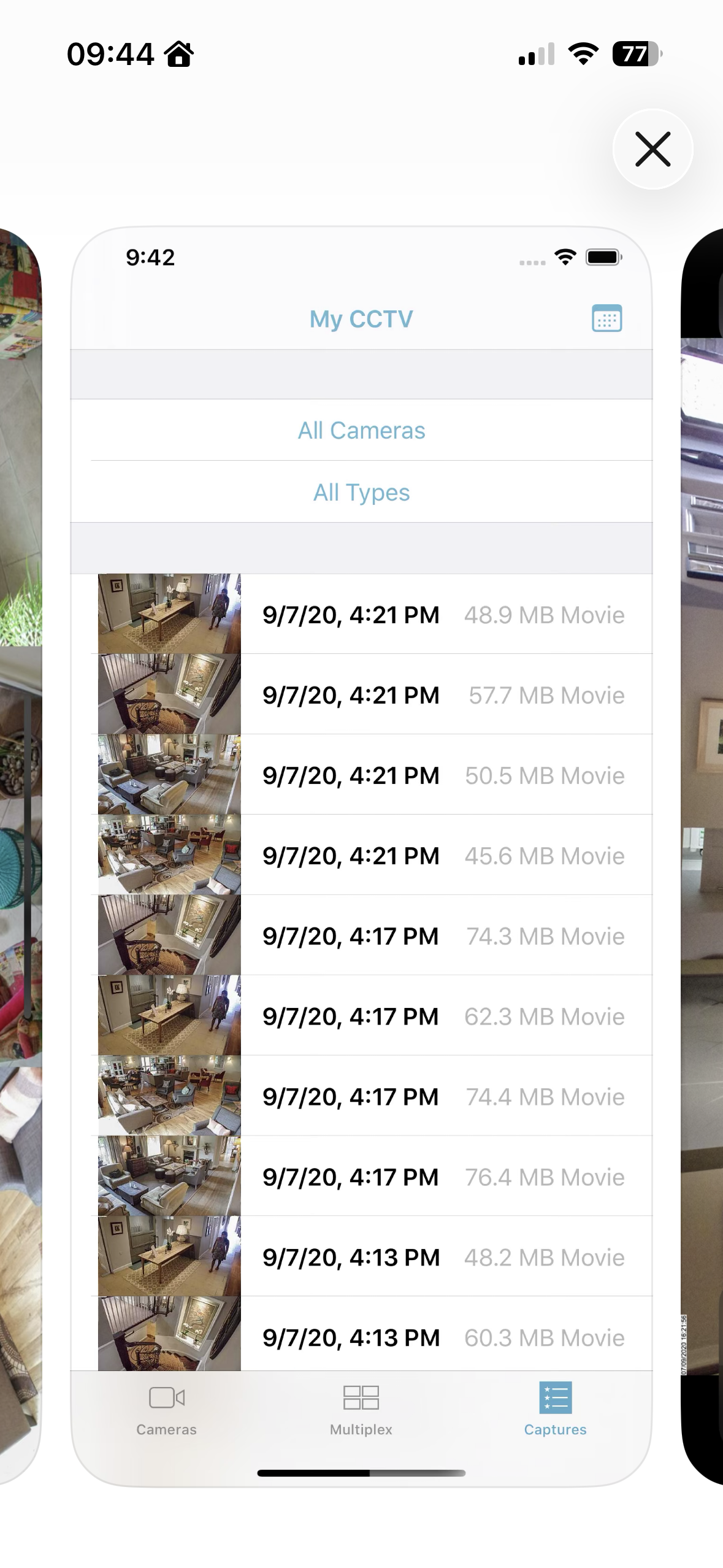
Changes to the ‘captures’ view on the app

Morning,
have I changed some settings accidentally or has the iOS and Ipad app changed the way it displays “captures”, I really don’t like the filter by day option and preferred the view that is still shown on the App Store, maybe an option to show all dates the same as all cameras and all files as a default would be a good alternative
Comments
-
The user interface has changed, but the functionality has only been enhanced, not reduced. Whatever date you select, the file list will start from that date, but if you scroll down it will continue to populate with older and older files, indefinitely. So selecting "Today" provides identical functionality as before, when there wasn't a date filter.
-
Thx Ben for the prompt response. Don’t think the change was helped by the fact that somehow all my recordings seem to have been deleted. That’s an investigation for another day.
-
Hi @Markmcg there must be a reason for this - usually it would be other applications using lots of space on the drive, causing SecuritySpy to delete its recordings based on the configured auto-delete thresholds. This is especially a risk if you are recording to the system drive - it's much better to use an external drive (USB or Thunderbolt) dedicated to SecuritySpy's recordings. If it's not obvious what caused this, email us and we'll assist you to get to the bottom of this.